Barber Simulator Guides
Walkthroughs from first cut to twelve-chair flagship—stars, staff, pets, skill tree, money, and rebirths.
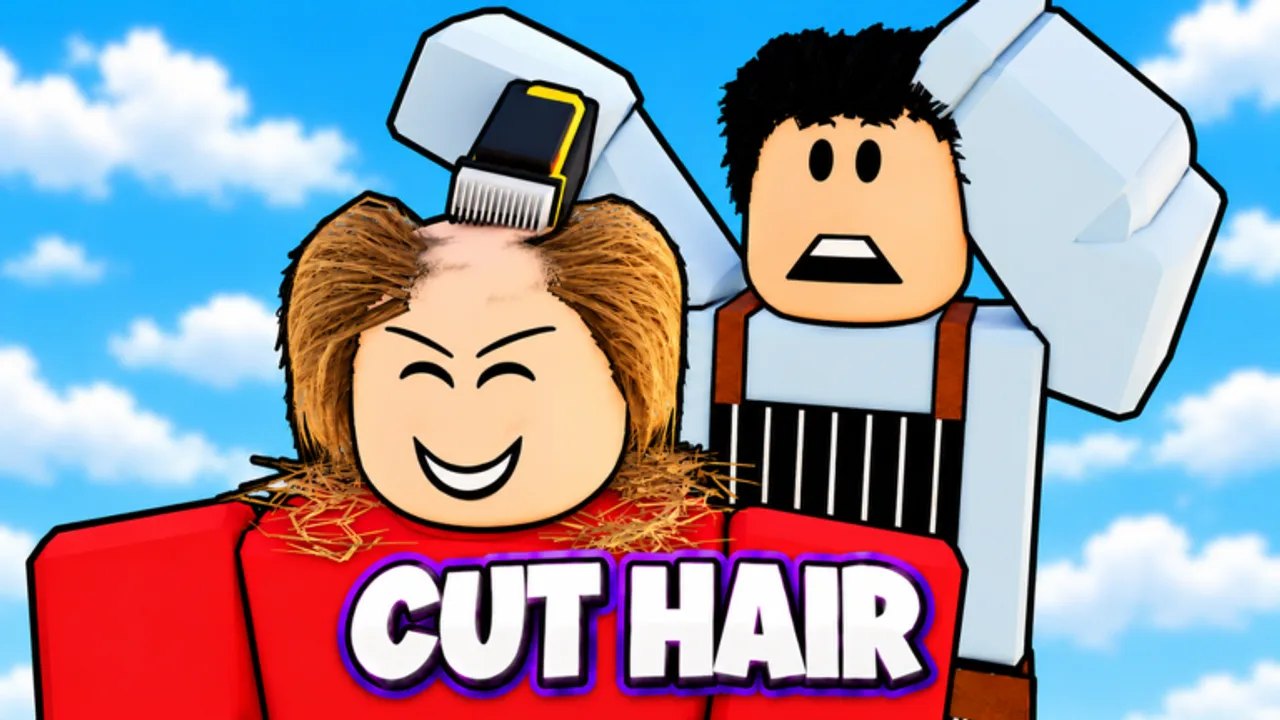
Barber Simulator by 67 Studio Games turns a tiny Roblox barbershop into a full service empire. You cut, shave, dye, and wash interactive hair, match customer photos for star ratings, hire staff, decorate with ninety-plus furniture pieces, expand toward twelve chairs, and keep earning while you are offline. This hub is the map for every walkthrough on the wiki.
Released on 14 October 2026 (universe 10770932189, max six players per server), the experience mixes skillful hair gameplay with classic simulator progression: skill tree nodes, rebirths, pets, outfits, daily rewards, and quests. Friends in your server grant +10% cash each, up to +40%. Liking the game and joining the 67 Studio Games group unlocks exclusive furniture. By early November 2026 the title had crossed roughly one million visits while still showing Roblox’s [UPDATE] tag.
Start here
New owners should begin with the Getting Started guide. It covers your first tools, how photo matching works, early chair goals, and which systems to unlock before you chase prestige. Pair it with Controls so scissors, clippers, and razors feel natural on PC or mobile.
Star ratings and VIP flow
Every cut is judged against the customer’s reference photo. Three stars is the standard perfect result; a hidden rainbow star exists for exceptional matches. Higher ratings mean better tips and faster reputation. Rare, Epic, and Legendary VIP customers pay more and demand sharper work—treat them as high-value targets once your basics are solid.
Growth loop: chairs, staff, furniture
Cash from cuts funds three parallel tracks. Expand seating and decorate with the furniture catalog so more clients can wait and sit. Hire staff—barbers, cleaners, receptionists, and waiters—to keep chairs turning when you focus on hard styles or step away. Staff are also the engine behind offline earnings, so hiring early compounds every session you miss.
Prestige, skill tree, and long-term power
When early upgrades slow down, study rebirth and the skill tree. Prestiging trades short-term cash for lasting multipliers; skill nodes buy permanent leverage that shortens every rebuild. Stack companions with the pets guide and early-meta ranks on the pets tier list. Keep wardrobe spending honest with outfits so fashion never starves wages. For ranking context on décor and payroll, see the furniture tier list and staff tier list.
Make money, dailies, and free progress
For a single cash plan that stacks stars, VIP, friends, staff, offline pay, furniture, and freebies, open Make Money. Claim daily rewards and quests at session start so streak and mission currency feed the same bottlenecks. Active promo rewards live on the Codes page (none publicly verified yet—ignore lists from unrelated barber games).
Codes, updates, and community
Patch notes and feature drops are tracked under Updates. For community and creator links, see Players and the Wiki index. Script-related pages are listed under Scripts if you need that category—always follow Roblox rules and keep accounts safe.
How to use these guides
Each child page targets one search intent with practical steps, FAQs, and cross-links to sibling topics. Read in order if you are brand new: Getting Started → Controls → Furniture → Hire Staff → Offline Earnings → VIP Customers → Rainbow Star → Rebirth → Skill Tree → Pets → Make Money → Daily Rewards → Outfits. Veterans can jump straight to money stacking, rebirth timing, or VIP routing. Browse the full Guides list anytime you need a refresher after an update.
Keep this hub bookmarked. As 67 Studio Games ships new chairs, tools, or events, we expand the child pages so your shop stays competitive from the first buzz cut to a twelve-chair flagship.
Frequently Asked Questions
Quick answers to the most common Barber Simulator questions.
Which Barber Simulator guide should I read first?
Start with Getting Started, then Controls. After your first chairs, read Hire Staff, Offline Earnings, and Make Money before planning a rebirth.
Where are pets, skill tree, and outfits covered?
See the Pets, Skill Tree, and Outfits guides under this hub. Pair pets with the Pets Tier List for early-meta role rankings.
Where is the rainbow star explained?
See the Rainbow Star guide under Guides. It covers photo matching habits that go beyond a normal three-star result.
Do these guides cover codes and updates?
Codes and patch notes have their own hubs. This Guides section focuses on how to play, grow the shop, and prestige efficiently.